

Lock Your Phone Number
Helps stop someone from moving your phone number to their phone and catching your login codes.
- Time
- About 10 minutes per account
- Last reviewed
- Steps checked October 11, 2026
- Author
- By Jason Phillips, Founder
General information, not professional advice. You decide which steps fit your situation.
The short answer
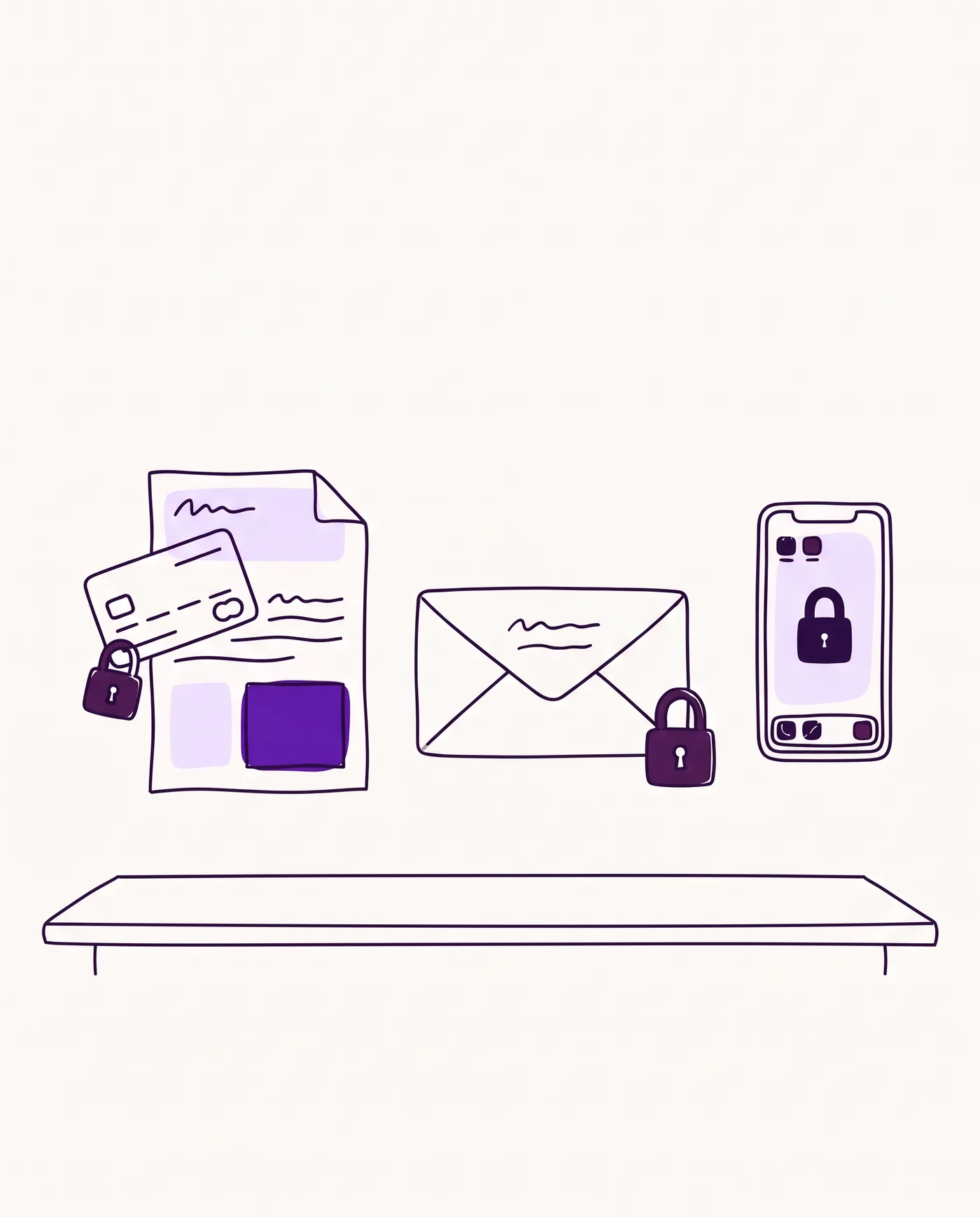
Open your mobile carrier’s app, turn on its number lock or port-out protection for every line on the account, and set an account PIN that is not your birthday or address. This stops someone from moving your phone number to their phone and catching the text-message codes that unlock your email and bank.
What you will need
- Your phone
- Your carrier account login
- About 10 minutes per account
Why your phone number matters
Your phone number is the spare key to most of your accounts. When you forget a password, your bank or email often sends a code to your phone by text. If someone talks your carrier into moving your number to a phone they hold, those codes go to them. This is called a SIM swap or a port-out scam.
Carriers now offer free locks that block a number from being moved until you, the account holder, turn the lock off.
Turn on the lock
- Sign in to your carrier's app or website as the account owner or account manager.
- Find the security settings. Look for Number Lock, Port-out protection, SIM protection or Account lock.
- Turn it on for every line on the account, including family members on your plan.
- Set or change your account PIN or passcode. Avoid birthdays, addresses and any part of your Social Security number.
- Save the PIN in your password manager or password book.
Where to find it at the largest carriers
| Carrier | What it is called | Where to find it |
|---|---|---|
| Verizon | Number Lock | My Verizon app: Account, then Edit Profile and Settings, then Security, then Number Lock. Choose the lines and save. (Verizon) |
| AT&T | Wireless Account Lock | AT&T app: account security settings, then Wireless Account Lock. (AT&T) |
| T-Mobile | SIM Protection, plus Port Out Protection | T-Life app: Manage, then the gear icon, then Security, then SIM Protection. Port Out Protection is a free add-on under Manage add-ons, added line by line. (T-Mobile) |
| Any other carrier | Varies | Search your carrier's help pages for "port-out" or "number lock," or call customer care and ask them to add it. |
Go one step further: fewer text-message codes
A locked number protects your codes. Using fewer text-message codes protects them even more. For your email and bank, choose a passkey or an authenticator app when the account offers one. Our guide to creating unique passwords shows how.
Check your work
- Number lock or port-out protection is on for every line.
- Your account PIN is new and not easy to guess.
- The PIN is saved somewhere safe.
- Your email and bank use something stronger than text codes where they can.
Sources: Verizon, Unauthorized port outs; AT&T, Learn about Wireless Account Lock; T-Mobile, SIM Protection. Checked October 11, 2026.
How can we make this clearer? Share your thoughts