

From a plan to progress.
At work, someone sets up your technology, secures it, helps you learn it, and helps when it breaks. At home, most people have no equivalent. Caveo is building that support for the home.
One coordinated place for the household's technology.
Caveo is not antivirus software, a monitoring application, or a data broker removal service; it's a platform that unifies your household's digital security across six areas from the accounts you use every day to the Wi-Fi at home.
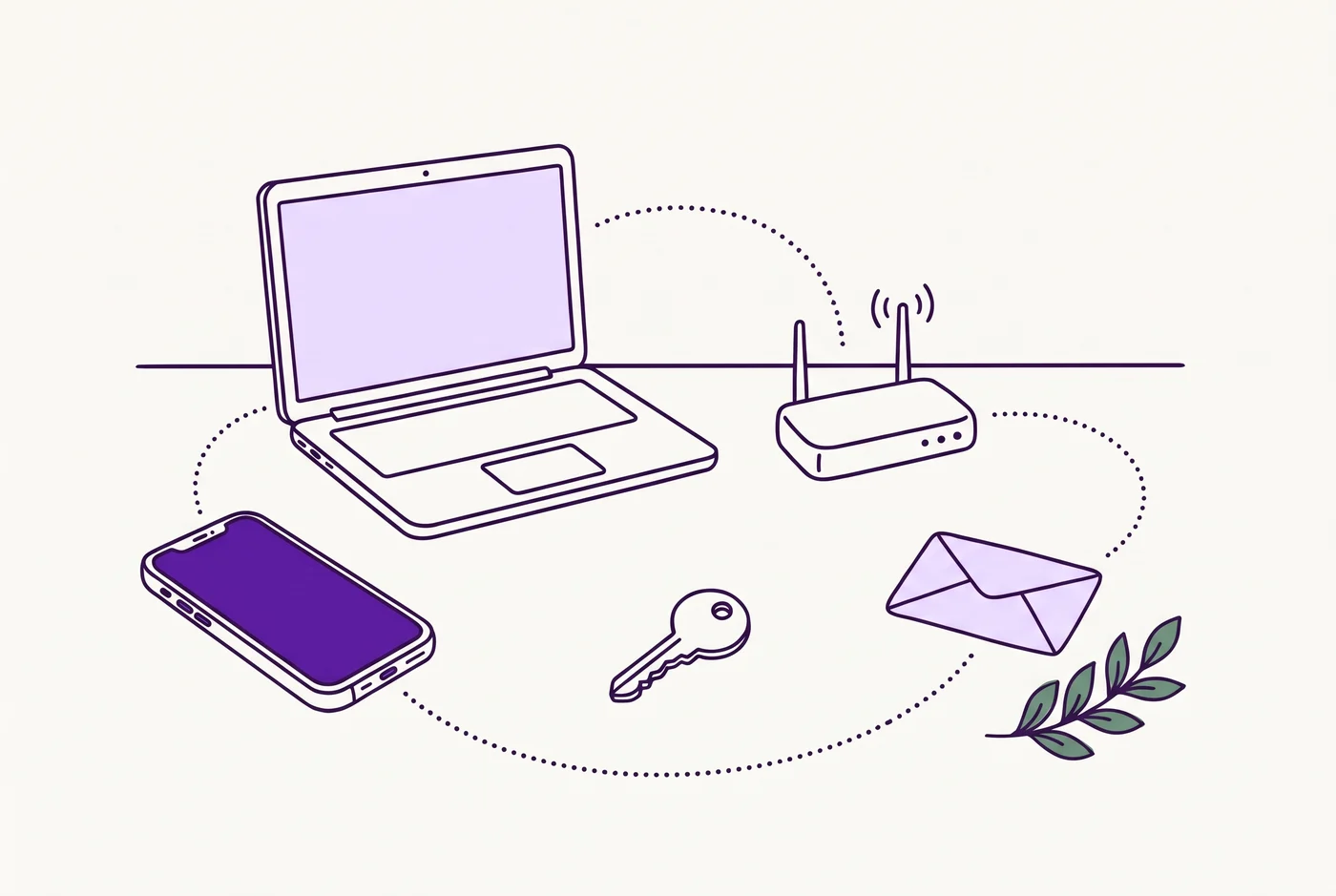
Much of what protects you already exists, and much of it is free. The hard part is three things:
Identifying where the gaps are and what to fix first.
Getting it done, and knowing it worked.
Keeping it done as technology and life change.
Caveo takes on the work of figuring out what matters and how it fits together, so your household is not left to assemble the system itself.
Six areas. One plan.
Each area has its own steps. Caveo puts them in one plan, in an order that suits your household.
Money & Identity
Caveo helps you lock your credit and government accounts, so a stolen identity is harder to use.
Steps like:
- Credit freezes
- Your IRS Identity Protection PIN
- A child's credit freeze
Accounts & Passwords
Caveo helps you keep other people out of your accounts, even if a password leaks.
Steps like:
- Unique passwords
- Login codes for your email
- Passkeys where available

Scams & Threats
Caveo helps your household make a plan for the call, text, or email that asks for money or a password.
Steps like:
- A rule for checking before you act
- Calls claiming to be your bank or the government
- A family check for faked voices and videos
Privacy & Data
Caveo helps you reduce how much of your personal information is easy to find online.
Steps like:
- People-search sites
- Your social media settings
- Data breach letters

Personal Devices
Caveo helps you secure the phones and computers you use for everything else.
Steps like:
- Automatic updates
- A stronger phone passcode
- Backups you have tested
Home Network
Caveo helps you secure your home Wi-Fi, so it is harder for others to get onto your network and your devices.
Steps like:
- Router settings
- Whether your router is due for replacement
- Smart devices on a guest network
Know what matters. Get it done. Keep it that way.
Caveo puts what matters most first, walks you through it, and keeps track of what's done. Use it for yourself, or invite people you care about.
Your Plan
See what needs attention and where to begin.
Digital Safety Score
Building Up
Based on confirmed steps
Your next step
Turn on automatic updates
Personal Devices · 10 minutes
Guidance for Each Step
Every step has four parts: why it matters, what to know, what to do, and how to make sure it worked.
Turn on automatic updates
Why · What · How · Verify
- 1Turn on automatic updates for the operating system
- 2Turn on automatic updates for your browser
Together, Your Way
Each person has their own plan and stays in charge. Family sees shared progress, never anyone's private activity.
Family
See what's done, not what's private.
- CB
Cassidy BradyBuilding Up
Digital Safety Score: 52 out of 100
- LB
Leanne BradyGetting Started
Digital Safety Score: 28 out of 100
- PB
Paul BradyGetting Started
Digital Safety Score: 22 out of 100
- MB
Matt BradyInvited
- CB
Caveo's part
Caveo handles what it responsibly can and makes the rest clear.
Your part
When a step needs you, Caveo makes it clear and doable.
Common questions
What is Caveo?
Caveo is the home IT department for families. It works out what matters most across your money, accounts, devices, privacy, home Wi-Fi, and readiness for scams, guides each person through the steps, and helps keep them current.
Who is Caveo for?
Anyone. You might be sorting out your own phone and accounts, helping a parent, setting things up with a partner, or looking after several generations at once. Caveo starts with where you are, what you use, and how you like to learn, and moves at your pace.
Do I need to be good with technology?
No. Every step is written in plain language, takes minutes, and tells you why it matters. If you already know your way around, Caveo skips what you have done and shows you what is left.
Is Caveo antivirus or a monitoring service?
No. Monitoring tells you after something has gone wrong. Caveo helps you put the protections in place first, like a credit freeze, login codes on your email, and a secure home Wi-Fi, and then keeps them current as your devices and accounts change. If a tool you already have is enough, Caveo will tell you.
If I invite family, can they see what I do?
You choose who to invite, and each person stays in charge of their own accounts. People in a shared plan see progress, such as which steps are done, never anyone's private activity, passwords, or messages.
What is the Digital Safety Score?
Each person gets a score that reflects the protective steps they have confirmed are in place, such as a credit freeze, login codes on email, and up-to-date devices. A household score combines them. It shows progress. It is not a guarantee of safety and not a prediction of fraud.
Does Caveo sell my data?
No. We do not sell your personal data, and nothing you tell us about your household's devices, accounts, or safety is used for advertising. See Privacy & Trust.
What if something has already gone wrong?
Start with one call, and skip the blame. This happens to careful people. Call your bank or card company using the number on the back of your card, and ask whether the payment can be stopped or reversed. Report fraud to the Federal Trade Commission at reportfraud.ftc.gov, and if your identity was used, get a recovery plan at IdentityTheft.gov. Our Household Digital Security Agreement has a short checklist for the first hour.
Something else? Email hello@joincaveo.com.
Ready when you are.
Join the waitlist, or start with a free field guide today.